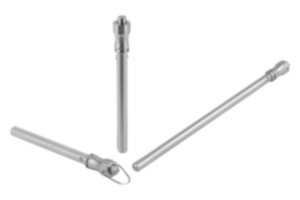
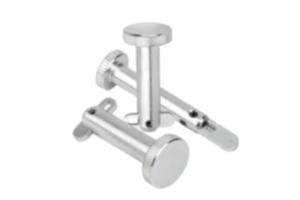
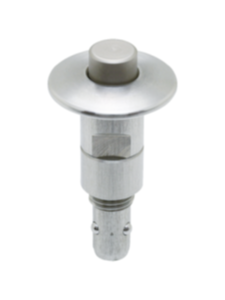
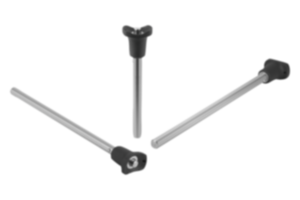
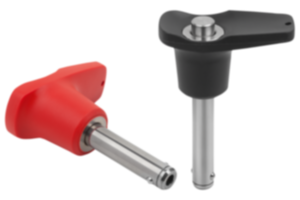
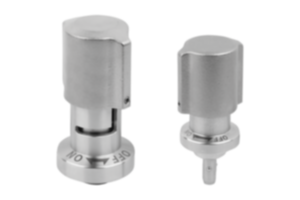
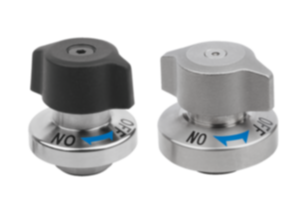
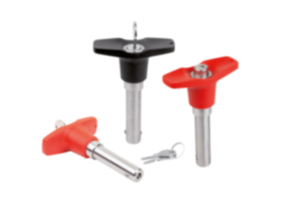
Locking pin stainless steel bright 03192-30-173
- Locking element for connecting two separate plates
- Mounting option for plate thickness 3 to 12 mm
- Quick and easy connection
Unité de vente
CHF71.39
hors TVA
Ajouté à votre panier
Designation
Locking pin
Main
material
stainless steel
Surface finish
body
bright
Component
material
stainless steel
Surface finish
component
bright
D=diameter
6,5
H=Height
40
L=Length
12,5
SW=key width
10
Clamping
force
N
3
D1
6,5
D2
23
D3
6,5
H1
32
H2
5,5
H3
4
Holding
force
N
30
L1
6,5
L2
10,5
M
M12x1
Pullout force F
kN
0,15
SW1
19
Shearing force
kN
0,2
T
3-8
T1
3
Temperature
resistance
≤180 °C
~ CONFLICT MINERALS 3TG status
not yet identified
~ CP65 substance 2 cancer
nickel (metallic)
~ PFAS free?
not yet identified
~ REACH SVHC-free?
yes
~ RoHS conformity
yes, without exemption
~ TSCA 6(H) conformity
yes
Description
Product description
With the locking pin, two separate plates can be joined quickly and easily with no counterpiece.
Material
Housing and push button stainless steel.
Version
Housing and push button bright.
Note
Mounting option for plate thickness 3 - 12 mm.
Use a hard material such as stainless steel for the baseplate.
A gap of more than 0.1 mm appears between the plates if the retaining force is exceeded.
Use a hard material such as stainless steel for the baseplate.
A gap of more than 0.1 mm appears between the plates if the retaining force is exceeded.
Method of operation
Screw the locking pin into the mounting plate until the thread can be seen on the other side.
Press the knob and pass the clamping pin through the hole in the premachined baseplate.
Screw the locking pin in the reverse direction till both plates come together, then secure with the locknut.
Press the knob and pass the clamping pin through the hole in the premachined baseplate.
Screw the locking pin in the reverse direction till both plates come together, then secure with the locknut.
Drawing reference
1) Mounting plate
2) Baseplate
2) Baseplate
Remarque importante concernant le téléchargement des modèles CAO
Pour pouvoir télécharger nos modèles CAO, vous devez d’abord connecter. Si vous n’avez pas encore créé de compte, inscrivez-vous en cliquant sur « Mon compte » (à droite de l’écran) et suivez les instructions.
Other customers also bought