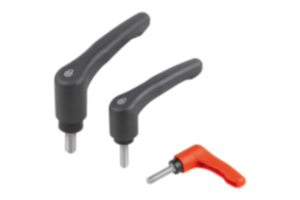
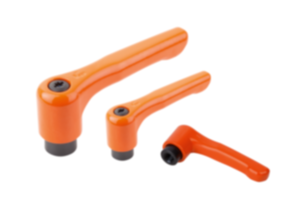
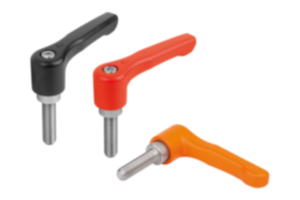
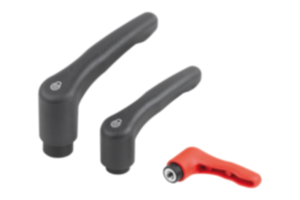
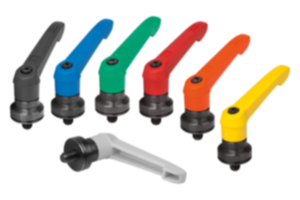
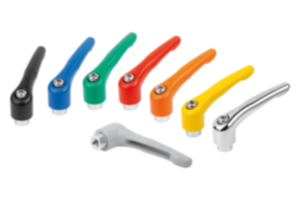
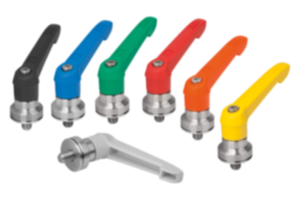
Maniglia a leva con pulsante plastica rosso traffico RAL 3020 06611-73210X25
- The clamping lever stands for reliability, stability and versatility
- Makes it easier to clamp devices or machine parts
- Application fields: machine construction, plant construction, rehabilitation and medical technology, furniture industry
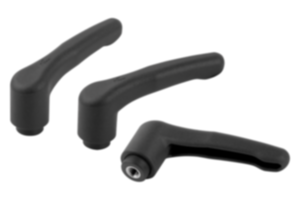
- Push button eases the release and makes handling the lever safer.
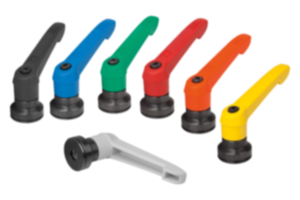
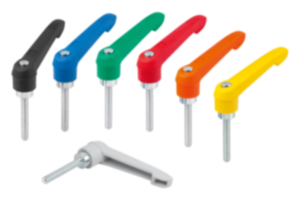
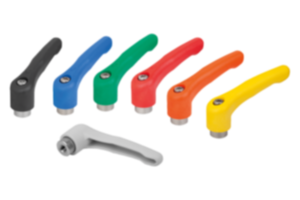
- Various colour combinations
Unità di vendita
7,81 CHF
Aggiunto al carrello
Denominazione
Maniglia a leva
Versione 1
con pulsante
Materiale
Corpo base
plastica
Colore
Corpo base
rosso traffico RAL 3020
Materiale
Componente
acciaio inox
Colore
Componente
grigio nerastro RAL 7021
A1=Lunghezza maniglia
75
H3=Altezza impugnatura
41,5
L=Lunghezza filettatura
25
X=Filettatura
M10
A
65
B
9,5
D
13,5
D1
18
D2
19,5
Dimensioni
2
H
29,5
H1
6,5
H2
17,5
H4
45,5
Numero di denti
20
Tipo di filettatura
filettatura esterna
~ CONFLICT MINERALS 3TG status
no intentional 3TG
~ CP65 substance 2 cancer
nickel (metallic)
~ PFAS free?
yes
~ REACH SVHC-free?
yes
~ RoHS conformity
yes, without exemption
~ TSCA 6(H) conformity
yes
Descrizione
Material
Handle fibreglass reinforced plastic, toothed ring die-cast zinc.
Metal parts stainless steel 1.4305.
Push button plastic (POM).
Version
Steel parts bright.
Note
∆ Enter the desired lever colour here.
The standard colours are:
Black grey clamping lever, traffic red push button.
Orange clamping lever, black grey push button.
Traffic red clamping lever, black grey push button.
Where L ≥ 60 mm the thread length is 60 mm.
The standard colours are:
Black grey clamping lever, traffic red push button.
Orange clamping lever, black grey push button.
Traffic red clamping lever, black grey push button.
Where L ≥ 60 mm the thread length is 60 mm.
On request
Other threads, screw lengths and special versions.
Dimension “H1” available in other lengths at extra charge.
Dimension “H1” available in other lengths at extra charge.
Drawing reference
1) flat point DIN EN ISO 4753
Nota importante sul download dei modelli CAD
Per poter scaricare i nostri modelli CAD, occorre effettuare il login. Se non è stato ancora creato un account, si prega di registrarsi alla voce "Il mio account" (lato destro dello schermo) e di seguire le istruzioni.
Other customers also bought