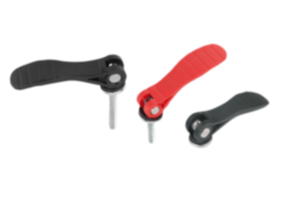
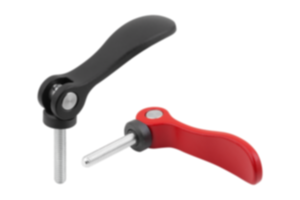
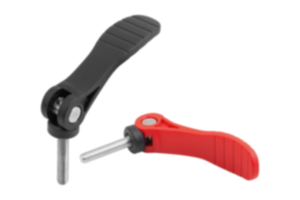
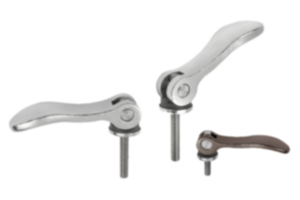
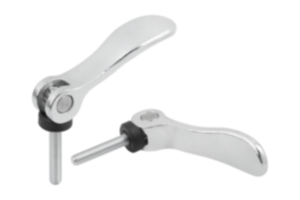
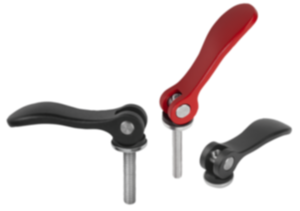
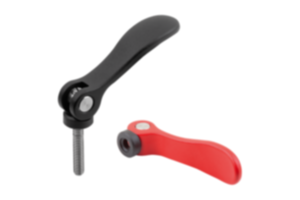
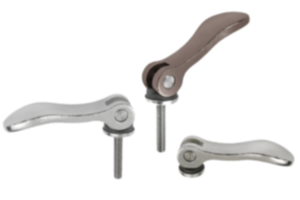
Cam lever polyamide traffic red RAL 3020 04232-14-152184A2
- Cam levers can be used to clamp workpieces quickly and torque-free
- Advantage: workpiece needs no further securing
- Application fields: machine and assembly construction, rehabilitation and medical technology
- Steel or stainless steel version
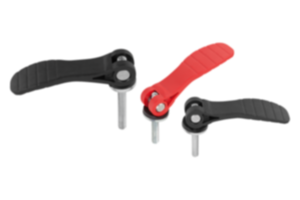
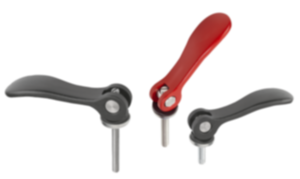
- Colour: black or traffic red
Unità di vendita
8,68 CHF
Aggiunto al carrello
Denominazione
Leva a camma
Materiale
Corpo base
poliammide
Colore
Corpo base
rosso traffico RAL 3020
Materiale
Componente
acciaio
A1=Lunghezza maniglia
79,6
A=Lunghezza maniglia
71,5
B=Larghezza
22
D=Filettatura (inch)
1/4-20
H1=Altezza
23,2
B1
16
Corsa
S
1,15
D1
16
D2
9
Dimensioni
1
Forza di serraggio
F
kN
2,5
Forza manuale
FH
N
125
H
14
Tipo di filettatura
filettatura interna
~ CONFLICT MINERALS 3TG status
no intentional 3TG
~ CP65 substance 2 cancer
soots, tars, and mineral oils
~ PFAS free?
yes
~ PFAS substance/s
previous C28H23F3N6 possible
~ REACH SVHC-free?
yes
~ RoHS conformity
yes, without exemption
~ TSCA 6(H) conformity
yes
Descrizione
Product description
These cam levers have a technically optimised plastic thrust washer.
The thrust washer is made of a special high-performance plastic that guarantees very good wear and creep resistance.
The thrust washer is made of a special high-performance plastic that guarantees very good wear and creep resistance.
Material
Handle PA 6.6 fibreglass reinforced plastic
Thrust washer high performance carbon-fibre reinforced thermoplastic.
Hinge pin stainless steel 1.4305 (AISI 303 equivalent).
Version
Grip black or traffic red RAL3020.
Thrust washer black.
Hinge pin bright.
Thrust washer black.
Hinge pin bright.
Note
Plastics are subject to creeping under load (retardation).
Accessory
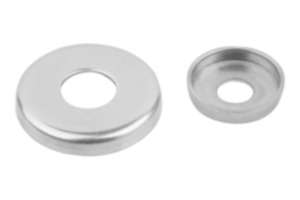
For slightly curved contact faces, a stainless steel washer 04234 can also be ordered.
This washer can be mounted between the thrust washer and the contact face.
This washer can be mounted between the thrust washer and the contact face.
Nota importante sul download dei modelli CAD
Per poter scaricare i nostri modelli CAD, occorre effettuare il login. Se non è stato ancora creato un account, si prega di registrarsi alla voce "Il mio account" (lato destro dello schermo) e di seguire le istruzioni.
D'autres clients ont également acheté