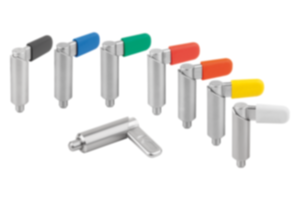
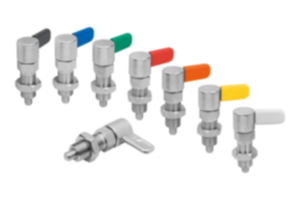
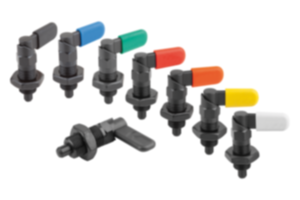
{"product":{"productId":"agid.26541","price":16.45,"name":"Cam-action indexing plungers with stop, Form C, with grip cap, without nut"},"currency":"CHF"}


Description
Description du produit
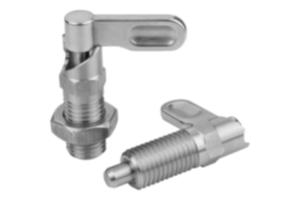
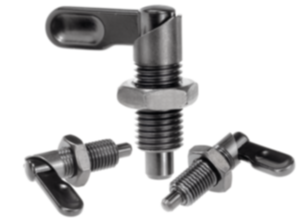
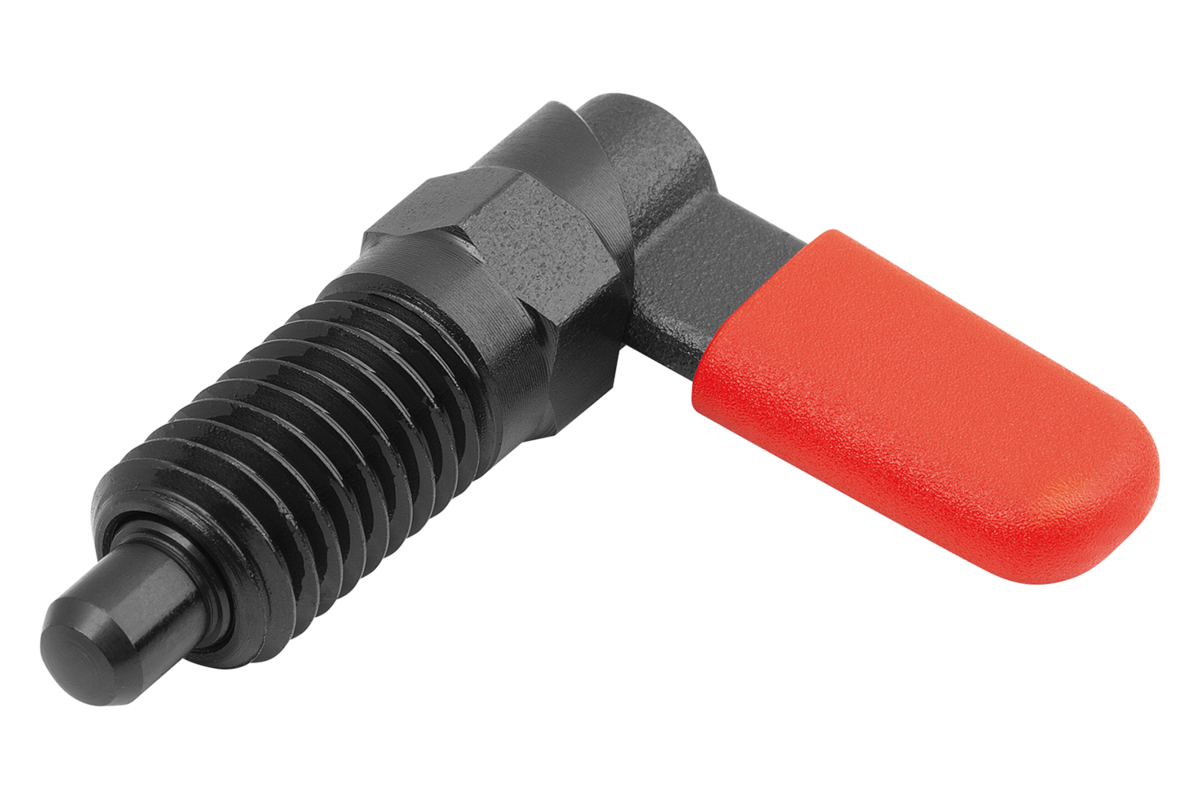
Cam-action indexing plunger are used where any change in locking position due to lateral forces should be prevented. Turning the grip through 180° retracts the indexing pin, enabling a change in the indexed position. The notch ensures that the grip remains in this position and the indexing pin remains retracted.
A stop at 180° prevents the lever rotating further and the indexing pin from extending again.
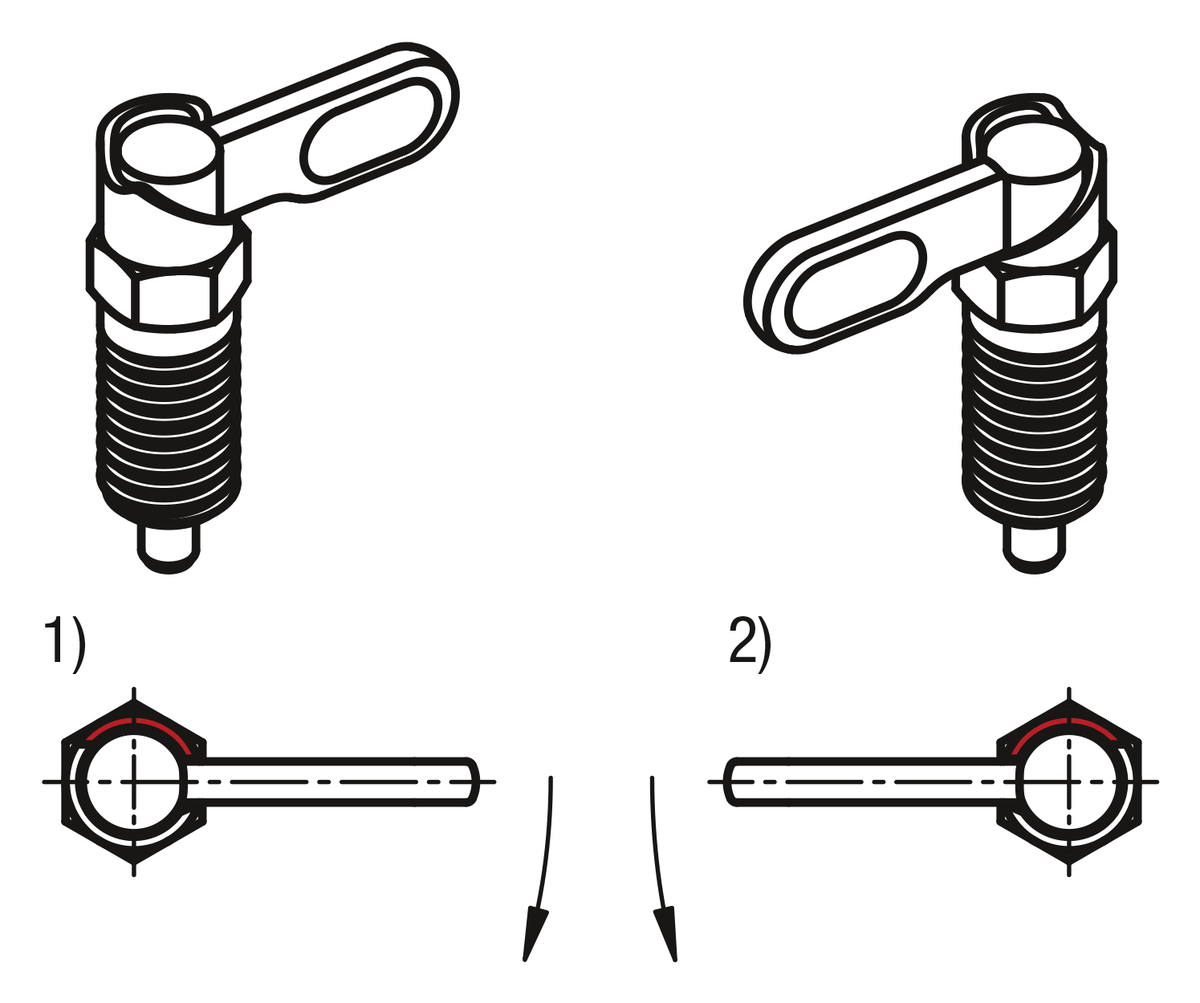
The rotation direction is defined by selecting a left or right stop side.
A stop at 180° prevents the lever rotating further and the indexing pin from extending again.
The rotation direction is defined by selecting a left or right stop side.
Matière
Grip 1.0503.
Threaded sleeve and indexing pin free-cutting steel.
Spring 1.4310.
Grip cap thermoplastic PA.
Threaded sleeve and indexing pin free-cutting steel.
Spring 1.4310.
Grip cap thermoplastic PA.
Finition
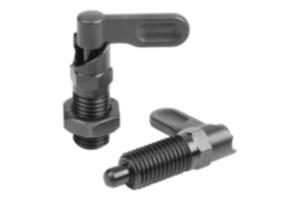
Threaded sleeve and grip black oxidised.
Indexing pin hardened, ground and black oxidised.
Spring bright.
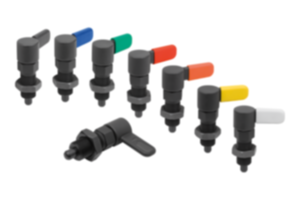
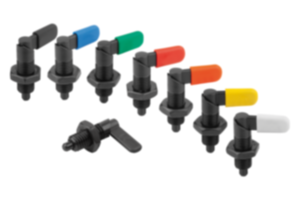
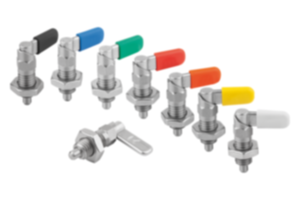
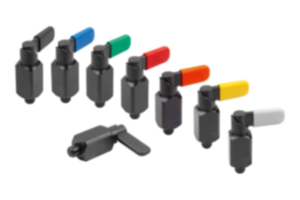
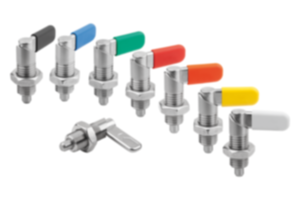
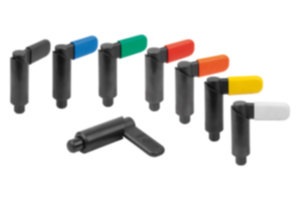
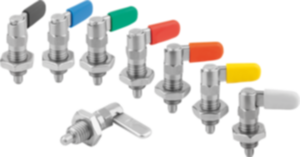
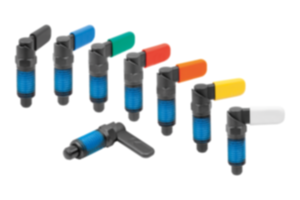
Grip cap in various colours:
- black grey RAL 7021
- pure orange RAL 2004
- colza yellow RAL 1021
- traffic red RAL 3020
- signal green RAL 6032
- traffic blue RAL 5017
- light grey RAL 7035
Indexing pin hardened, ground and black oxidised.
Spring bright.
Grip cap in various colours:
- black grey RAL 7021
- pure orange RAL 2004
- colza yellow RAL 1021
- traffic red RAL 3020
- signal green RAL 6032
- traffic blue RAL 5017
- light grey RAL 7035
Avantages
Turning the grip through 180° retracts the pin.
Optionally available with coloured plastic grip caps.
180° stop with rotation in one direction.
Optionally available with coloured plastic grip caps.
180° stop with rotation in one direction.
Sur demande
Special versions.
Indication de dessin
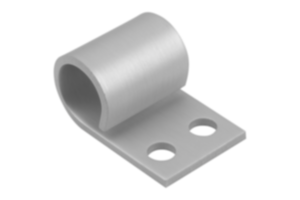
1) Stop, left
2) Stop, right
2) Stop, right
Remarque importante concernant le téléchargement des modèles CAO
Pour pouvoir télécharger nos modèles CAO, vous devez d’abord connecter. Si vous n’avez pas encore créé de compte, inscrivez-vous en cliquant sur « Mon compte » (à droite de l’écran) et suivez les instructions.
D'autres clients ont également acheté