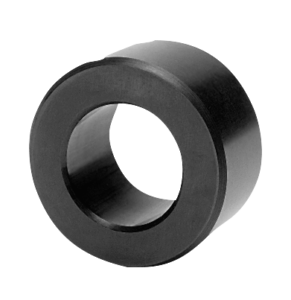
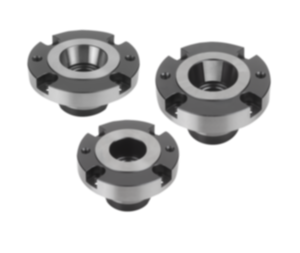
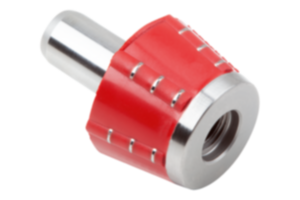
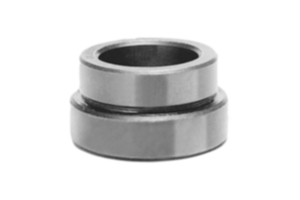
Centring flange QT steel 03152-30-117519
- Allineamento e posizionamento precisi
- Costruzione robusta
- Montaggio semplice
Unité de vente
CHF84.16
hors TVA
Ajouté à votre panier
Designation
Centring flange
Form
B
Form definition
with seating
Main
material
QT steel
D=diameter
175
H=Height
19
D1
90
H1
8
Steel code
1.1191
~ CONFLICT MINERALS 3TG status
no intentional 3TG
~ CP65 substance 2 cancer
soots, tars, and mineral oils
~ PFAS free?
yes
~ REACH SVHC-free?
yes
~ RoHS conformity
yes, without exemption
~ TSCA 6(H) conformity
yes
Description
Material
Centring flange QT steel 1.1191 or 1.1192.
Note
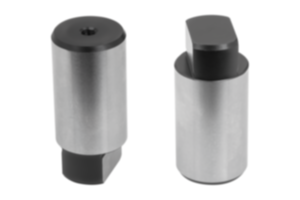
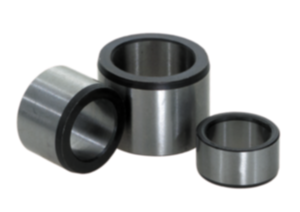
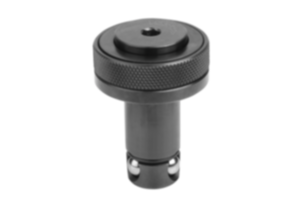
The centring flange with bore is a high-quality component that can be used in tool and die making. This centring flange has a precise shoulder that facilitates easy alignment and positioning of tools or dies. The conical bore of the flange provides excellent guidance and ensures a secure connection between different parts.
The centring flange with shoulder is an outstanding choice for tool and die making applications that require precise alignment. This flange has a shoulder that facilitates the alignment of parts and ensures stable positioning.
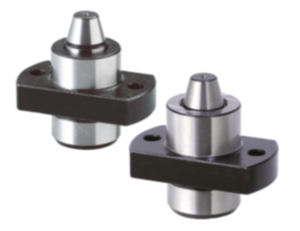
The centring flange with shoulder and screw holes can be used in tool and die making where precise alignment, secure fastening and reliable positioning are essential. Its combination of precise functions and screw holes makes it highly versatile in various manufacturing applications.
Remarque importante concernant le téléchargement des modèles CAO
Pour pouvoir télécharger nos modèles CAO, vous devez d’abord connecter. Si vous n’avez pas encore créé de compte, inscrivez-vous en cliquant sur « Mon compte » (à droite de l’écran) et suivez les instructions.
Other customers also bought