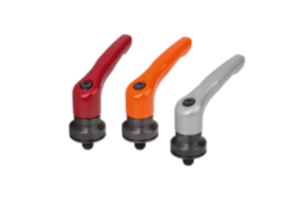
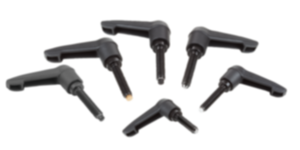
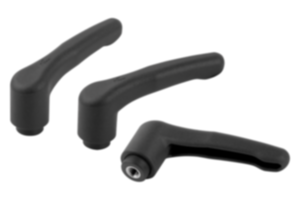
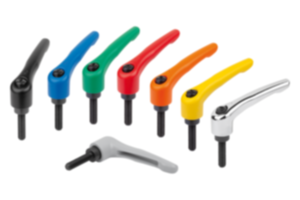
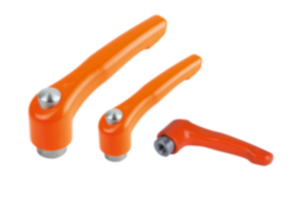
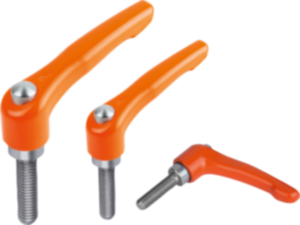
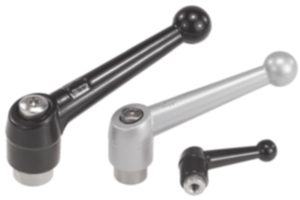
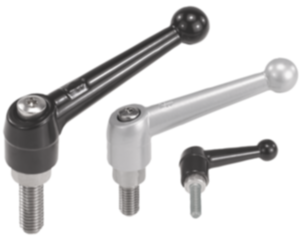
Clamping lever with push button plastic orange RAL 2004 06611-72310X20
- La maniglia a leva è sinonimo di affidabilità, stabilità e versatilità
- Facilita il bloccaggio e il serraggio di dispositivi o parti di macchine
- Campi di utilizzo: costruzione di macchine, costruzione di impianti, tecnologia riabilitativa e medicale, industria del mobile
- Il pulsante facilita il rilascio e l'utilizzazione sicura della leva
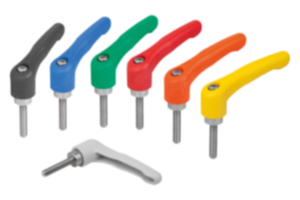
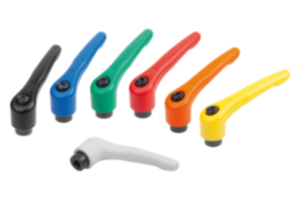
- Diverse combinazioni di colore
Unità di vendita
CHF9.57
Aggiunto al carrello
Designation
Clamping lever
Version 1
with push button
Main
material
plastic
Main
colour
orange RAL 2004
Component
material
stainless steel
Component
colour
black grey RAL 7021
A1=Handle length
91,5
H3=handle height
53,5
L=thread length
20
X=thread
M10
A
80
B
11
D
16
D1
21,5
D2
23
H
38,5
H1
10
H2
24
H4
58
No. of
teeth
22
Size
3
Thread type
external thread
~ CONFLICT MINERALS 3TG status
no intentional 3TG
~ CP65 substance 2 cancer
nickel (metallic)
~ PFAS free?
no
~ PFAS substance/s
C28H23F3N6
~ REACH SVHC-free?
yes
~ RoHS conformity
yes, without exemption
~ TSCA 6(H) conformity
yes
Descrizione
Material
Handle fibreglass reinforced plastic, toothed ring die-cast zinc.
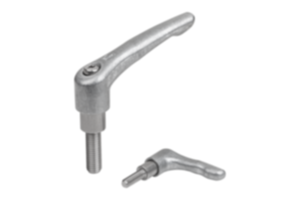
Metal parts stainless steel 1.4305.
Push button plastic (POM).
Version
Steel parts bright.
Note
∆ Enter the desired lever colour here.
The standard colours are:
Black grey clamping lever, traffic red push button.
Orange clamping lever, black grey push button.
Traffic red clamping lever, black grey push button.
Where L ≥ 60 mm the thread length is 60 mm.
The standard colours are:
Black grey clamping lever, traffic red push button.
Orange clamping lever, black grey push button.
Traffic red clamping lever, black grey push button.
Where L ≥ 60 mm the thread length is 60 mm.
On request
Other threads, screw lengths and special versions.
Dimension “H1” available in other lengths at extra charge.
Dimension “H1” available in other lengths at extra charge.
Drawing reference
1) flat point DIN EN ISO 4753
Nota importante sul download dei modelli CAD
Per poter scaricare i nostri modelli CAD, occorre effettuare il login. Se non è stato ancora creato un account, si prega di registrarsi alla voce "Il mio account" (lato destro dello schermo) e di seguire le istruzioni.
Altri clienti hanno acquistato anche